

2D-2.5D Programing
Feature Recognition to simple line geometry. Do it all in hyperMILL

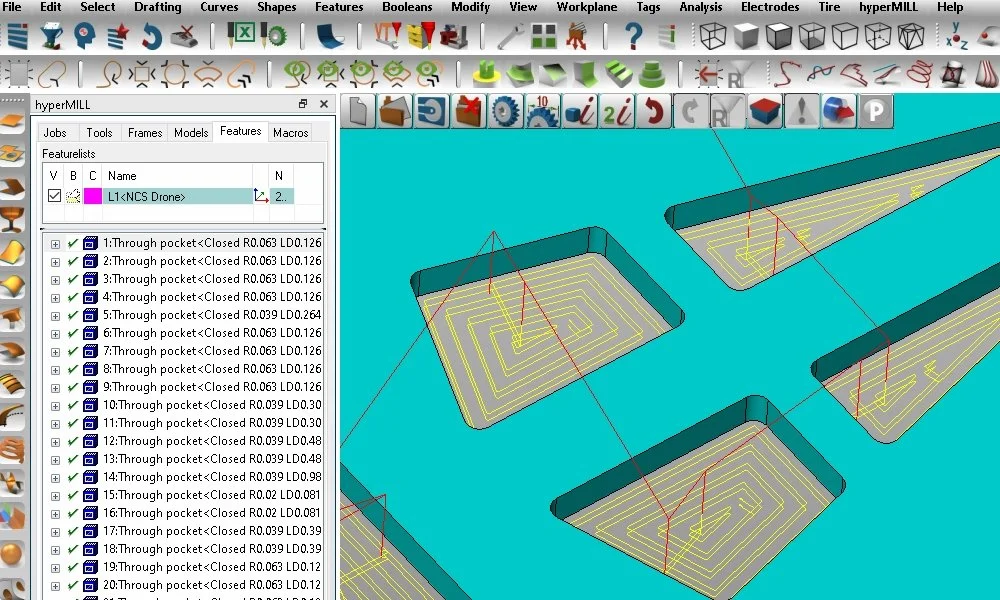


Benefits of 2.5D milling strategies
Collision-checked with precise toolpaths
Detailed simulation
Optimal approach and retract strategies for all cycles
Simple and fast programming with feature and macro technology

Multi-axis indexing
All 2.5D machining strategies can also be applied to multi-axis indexing with a fixed tool angle. During this process, the orientation of machining is defined using a frame. Simple frame definition and management assist the user in programming operations with tilted fourth and fifth axes. With transformations in the NC programs, users can easily and conveniently create programs for multiple components clamped within a single plane or in a tombstone fixture, for instance. All traverse movements are checked for collisions and path-optimized.